MikroTik CMR enters beta with RouterOS 7.26, bringing device monitoring, upgrades, alerts, and commands into one interface.
Checking device health, planning RouterOS upgrades, and running routine commands can take administrators across several devices in a single day. MikroTik’s new centralized management platform, brings those tasks into one interface. MikroTik announced that CMR is available in beta starting with RouterOS 7.26.
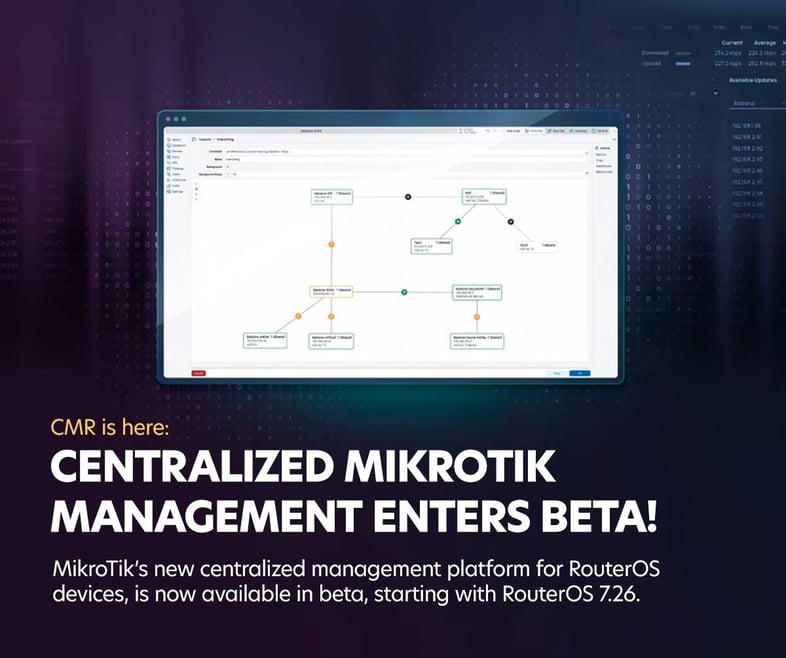
Monitor and Manage Multiple MikroTik Devices
CMR gives network administrators a shared view of their MikroTik routers and switches. From the central interface, administrators can:
- Monitor device health and performance across their fleet
- Manage RouterOS upgrades for multiple devices
- Configure alerts for conditions that need attention
- Run commands across multiple devices
For teams managing equipment across several locations, CMR provides one place to review device status and handle routine maintenance. Administrators can use that overview to identify which devices need a closer look and coordinate updates across sites.
Connect CMR to Your Existing Tools
CMR supports RouterOS scripting, API and REST API access, and HTTP webhooks. These options give network teams ways to use CMR data in the tools they already work with.
For example, a team could display MikroTik device status alongside other equipment in a custom dashboard, connect CMR to an existing monitoring system, or use webhooks to send alerts into an established workflow. Developers can also build a custom interface around the device data and controls their team uses most often.
Explore the CMR Beta
If you manage MikroTik devices, start with the CMR documentation to see how the platform fits your monitoring and maintenance workflow.